
Set the frame
Use a tripod, table, ledge, or phone stand. Compose once, then step away.
Set the frame, choose an interval, and let PicMatic take a run of photos while you stay in the shot.
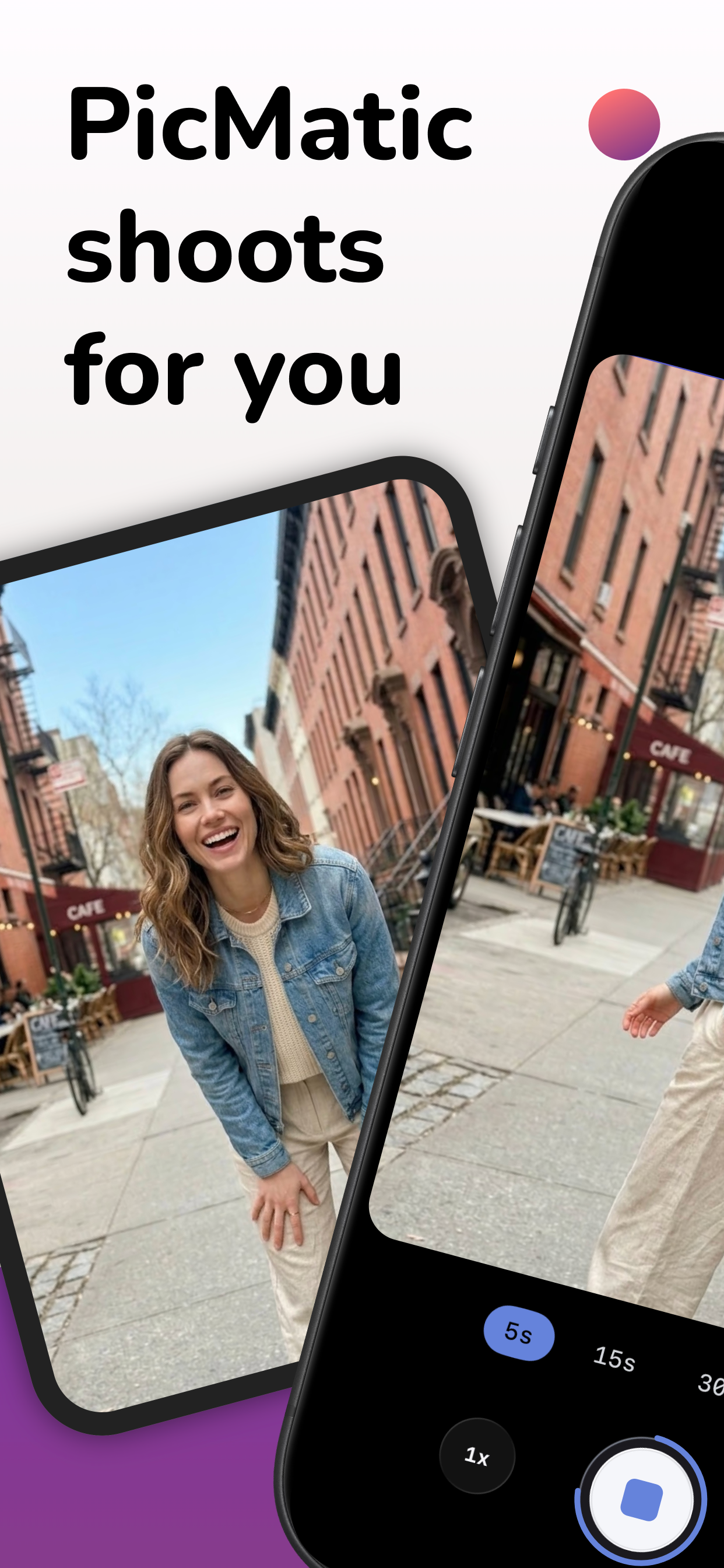
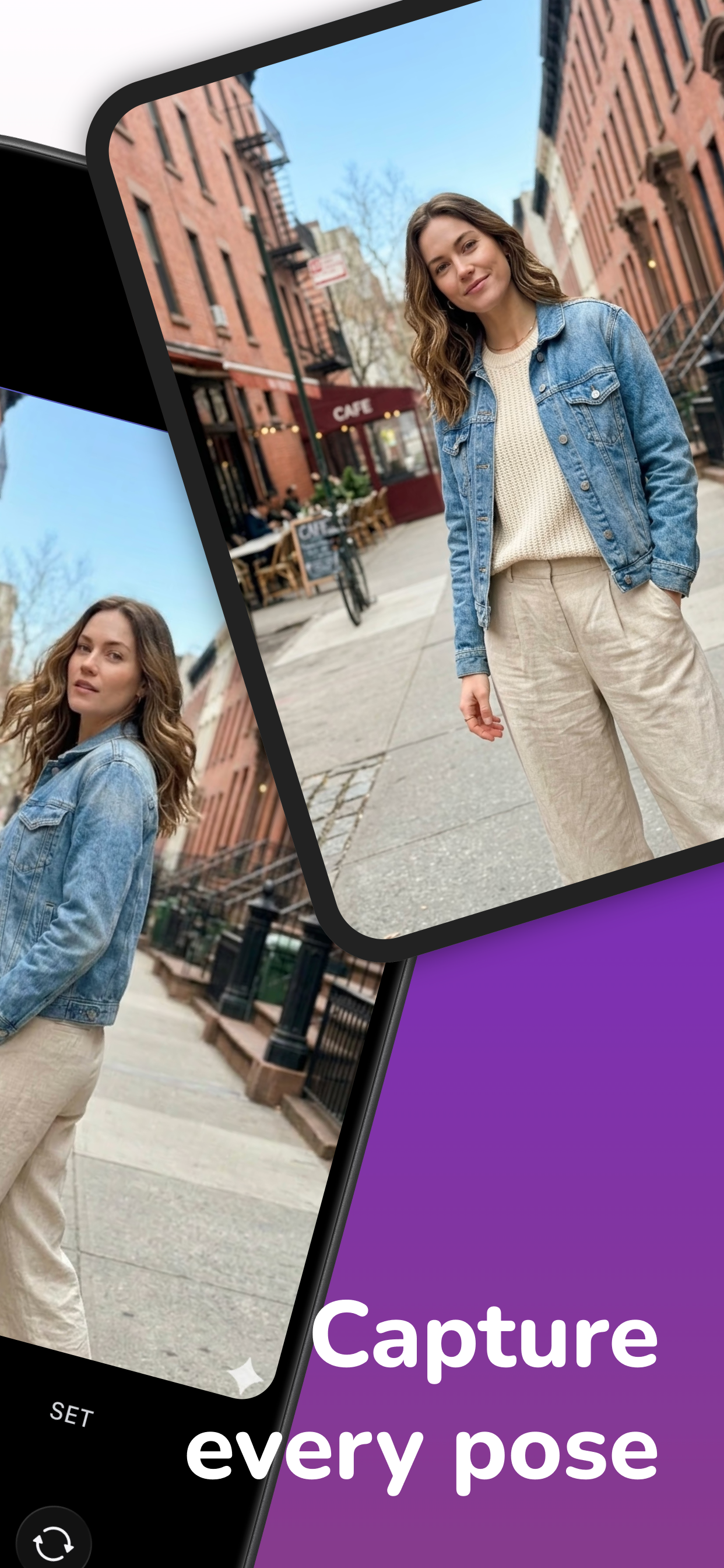



PicMatic turns one self timer into a full mini photoshoot. Move, reset, laugh, try another pose, and keep the frame alive.
Use a tripod, table, ledge, or phone stand. Compose once, then step away.
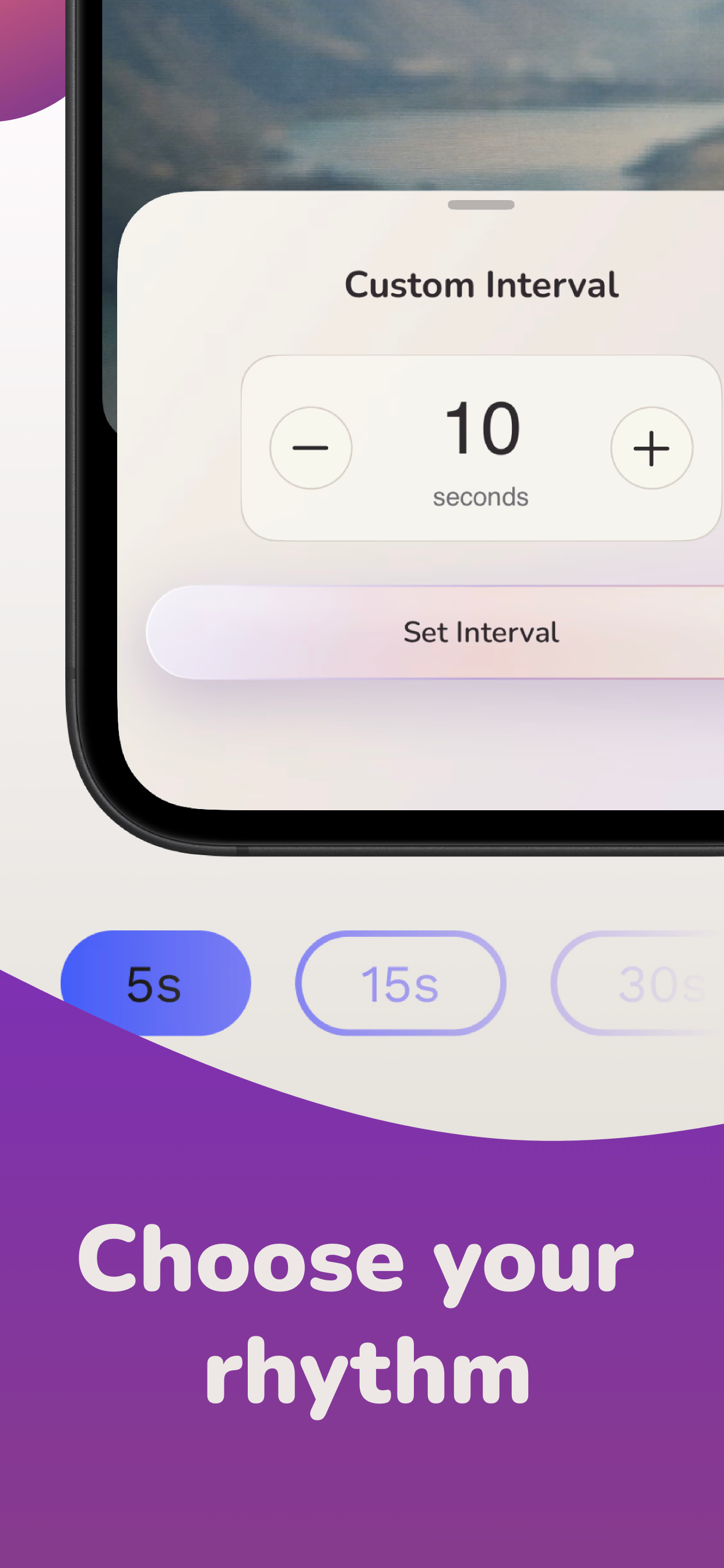
Choose the rhythm between shots and use optional flash cues before each capture.
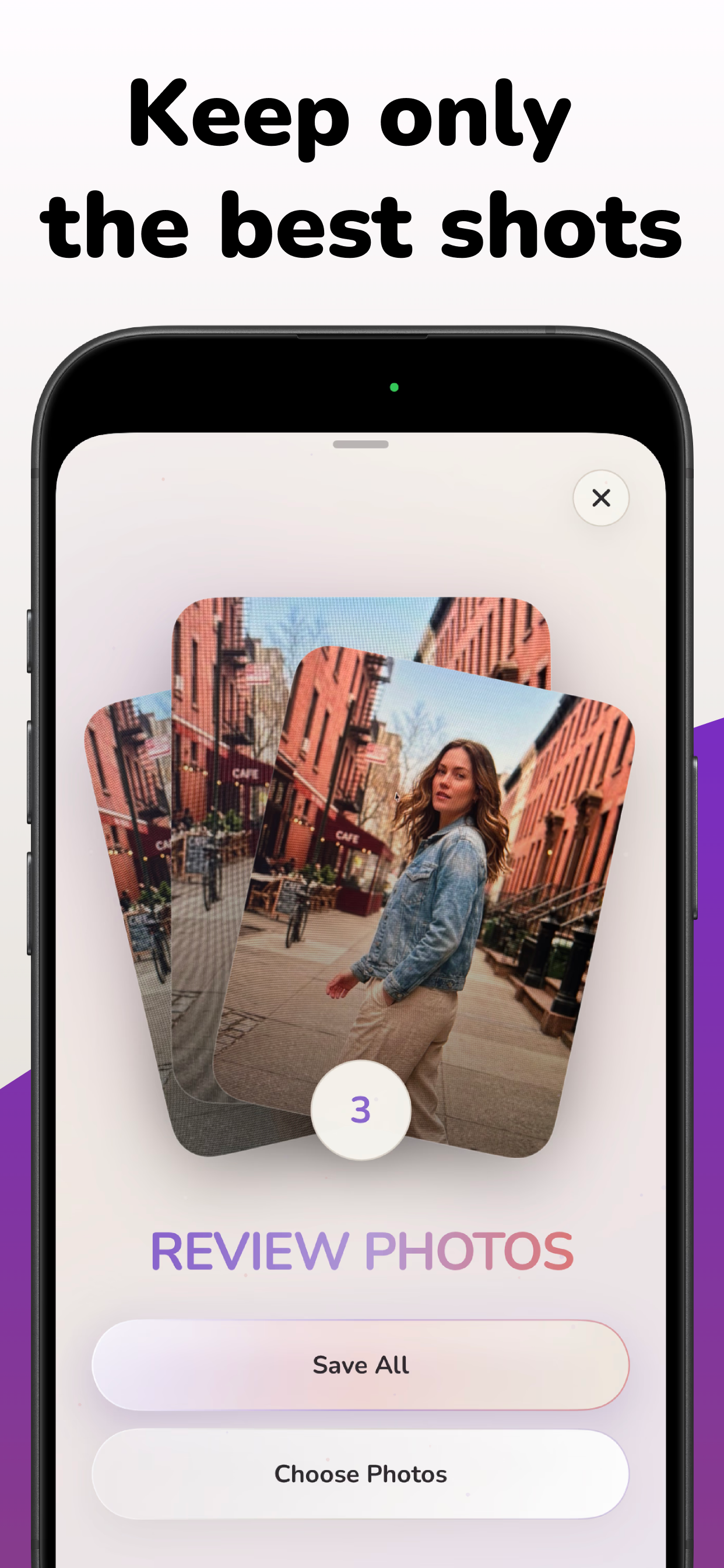
Review the set afterwards and save the shots that actually worked.



Travel photos without handing over your phone.
Group shots where nobody becomes the photographer.
Outfits, fitness progress, dance practice, kids, and family moments.

PicMatic does not require sign-in and the App Store listing states that the developer does not collect any data from the app. Photos are captured and saved on your device.